Watch Our Developer Webinars
Dive into our up-to-date developer webinars, covering subjects ranging from Gatsby and React to the Enonic cloud.
Written by Vegard Ottervig on
Enonic regularly hosts events for our developer community. We share news about the Enonic platform and our technology stack, alongside practical demonstrations, customer projects, and tips from developers.
Don't miss any future webinars and events from Enonic!
XP8 – Official Launch
Enonic XP8 is the first new main version in seven years, and features Universal API, Java 25, YAML, new UI with new menu and dashboard, OpenMetrics support, and much much more! (In Norwegian)
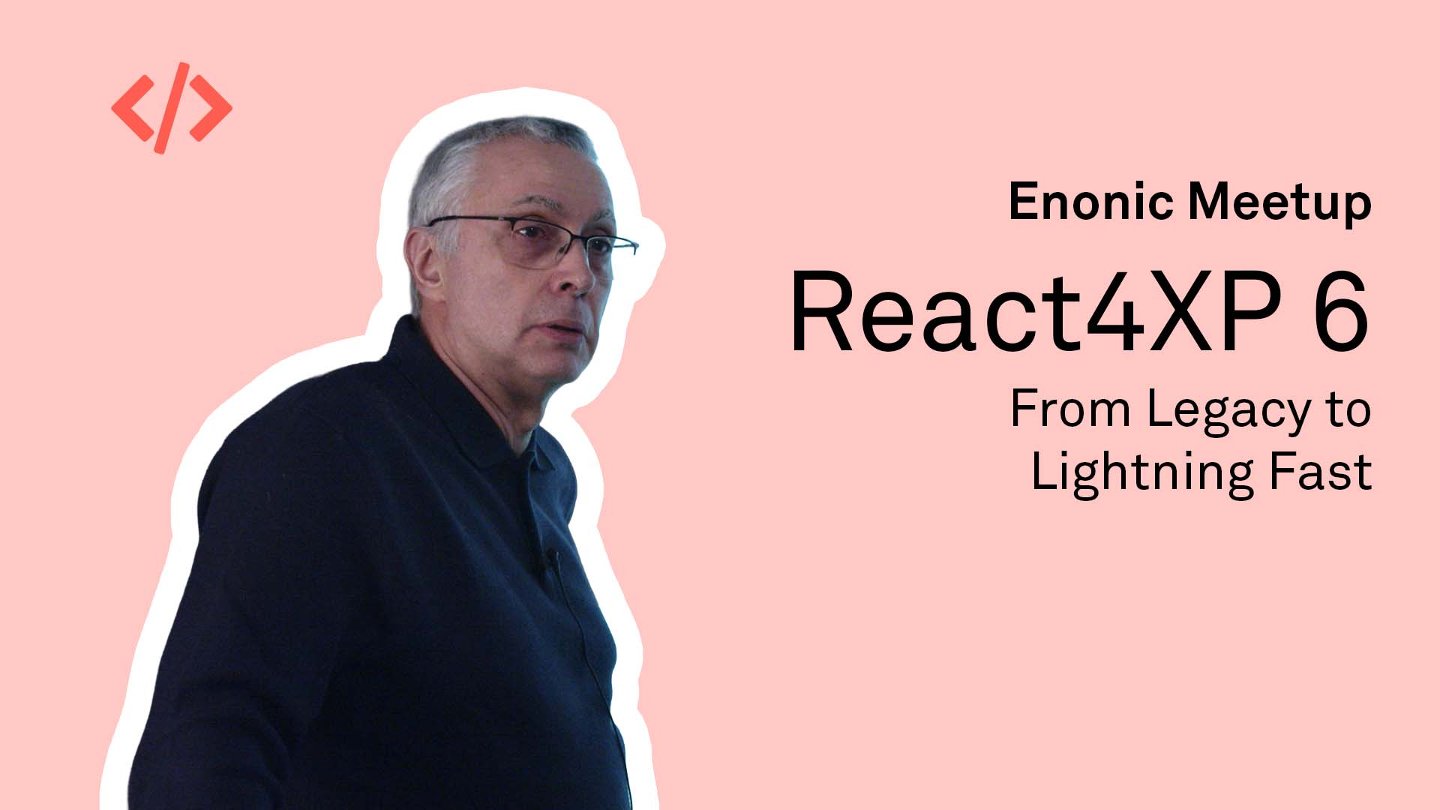
From Legacy to Lightning Fast – Modernizing with React4XP 6
Benny Thomas shares how he rebuilt Liberalistene.org using React and Claude Code. Discover practical lessons from an AI-assisted migration, including managing technical debt, resolving compatibility issues, and keeping development on track with frequent commits and GitHub Issues.
HTML-over-the-Wire – Alternative to Building Modern Web Apps
Tom Arild Jakobsen from Item Consulting demonstrates how Enonic and Hotwire Turbo can deliver responsive, app-like experiences by sending HTML to the browser. Learn how progressive enhancement, Turbo Drive, Frames, and Streams simplify navigation and page updates.
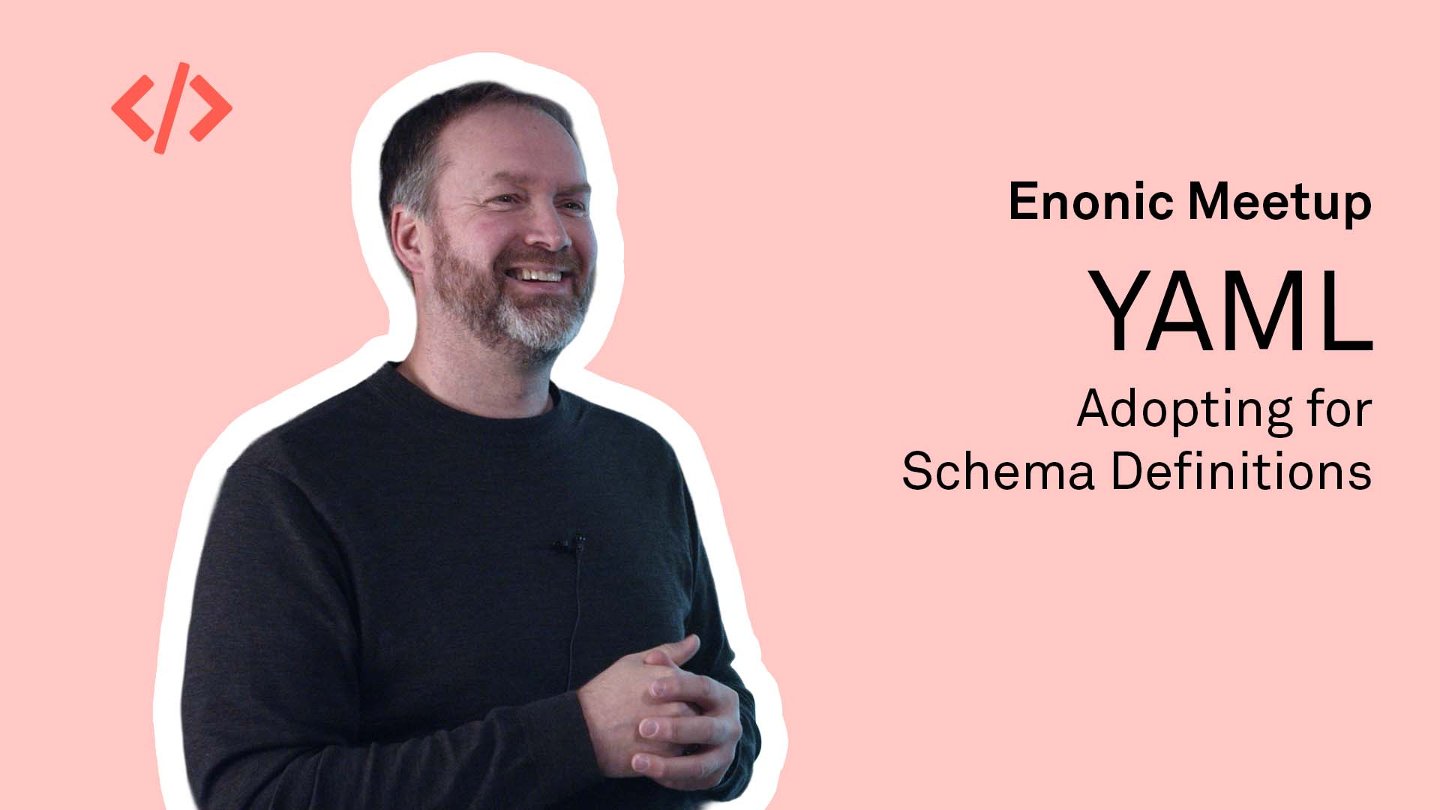
Schemas Go YAML
Thomas Sigdestad, CTO at Enonic, introduces the move from XML to YAML for schemas and configuration in XP8. See how simpler definitions, improved validation, and an automated migration tool help developers prepare their applications for the new platform version.
Enonic UI Behind the Scenes
Alan Semenov, VP Engineering at Enonic, explains the development of Enonic's new shared UI component library. Explore the use of Preact, Tailwind CSS, Storybook, and AI tools, along with the gradual migration toward a more accessible and maintainable Content Studio interface.
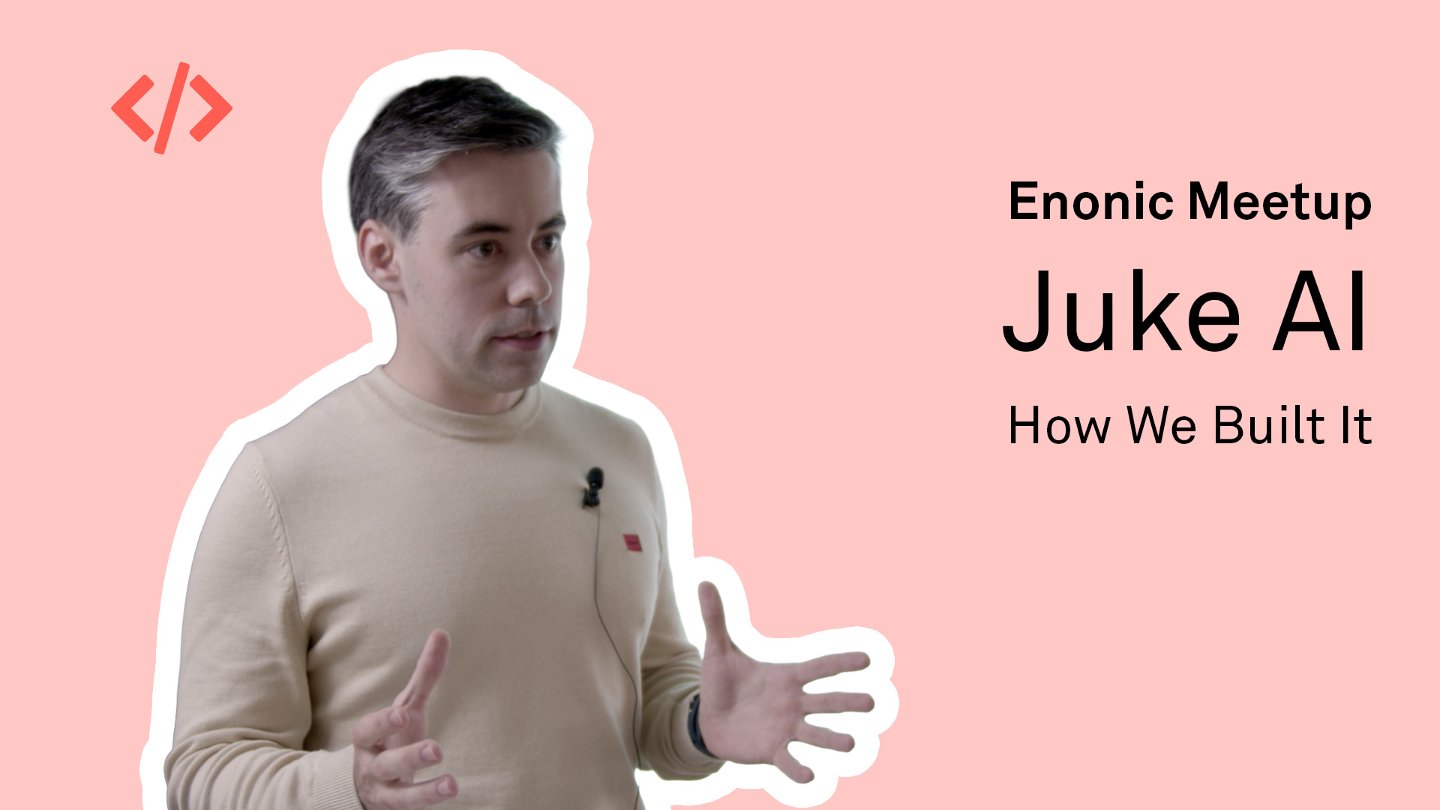
How We Built Juke AI
Mikita, Software Engineer at Enonic, explores the engineering behind Juke AI. Learn how the team improved translation speed, handled unpredictable model responses, and split complex requests into multiple steps to deliver more reliable content generation inside Content Studio.
Hardening XP – Security Headers and Content Security Policy
Vigdis from Bouvet demonstrates how HTTP security headers can help protect Enonic applications. The session takes a practical look at Content Security Policy, including configuring allowed resources and using hashes and nonces to control inline scripts.
React4XP – 6 Is the Magic Number
Thomas Sigdestad introduces React4XP 6 and demonstrates how to build React websites directly inside Enonic XP. Explore the unified rendering pipeline, TypeScript tooling, CSS Modules, and new approaches to fetching data and connecting it to page components.
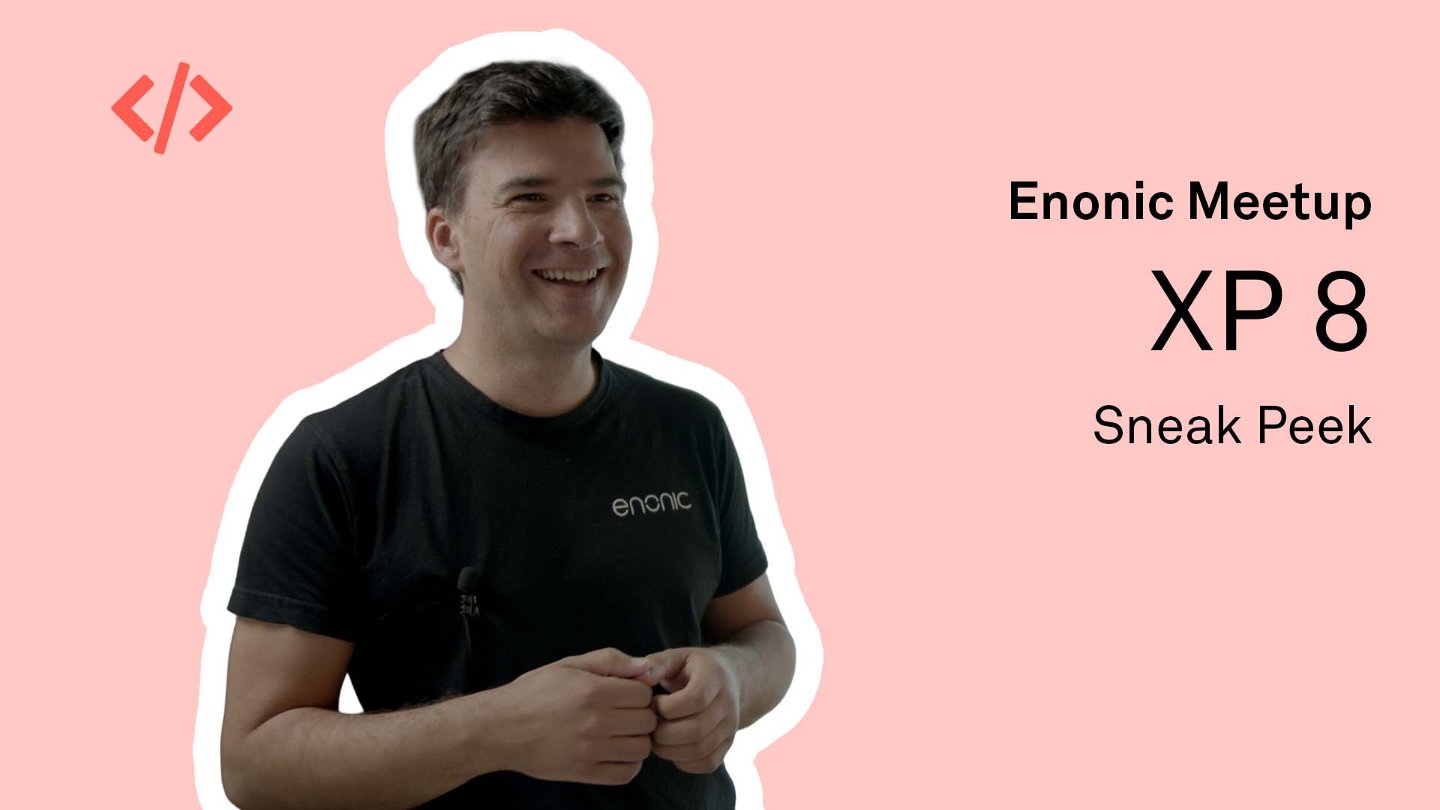
XP 8 – Sneak Peek
Take a look back at this early preview of Enonic XP8 and the direction of the platform's next major release. For the capabilities included in the finished release, see the announcement of XP8 and Content Studio 6.
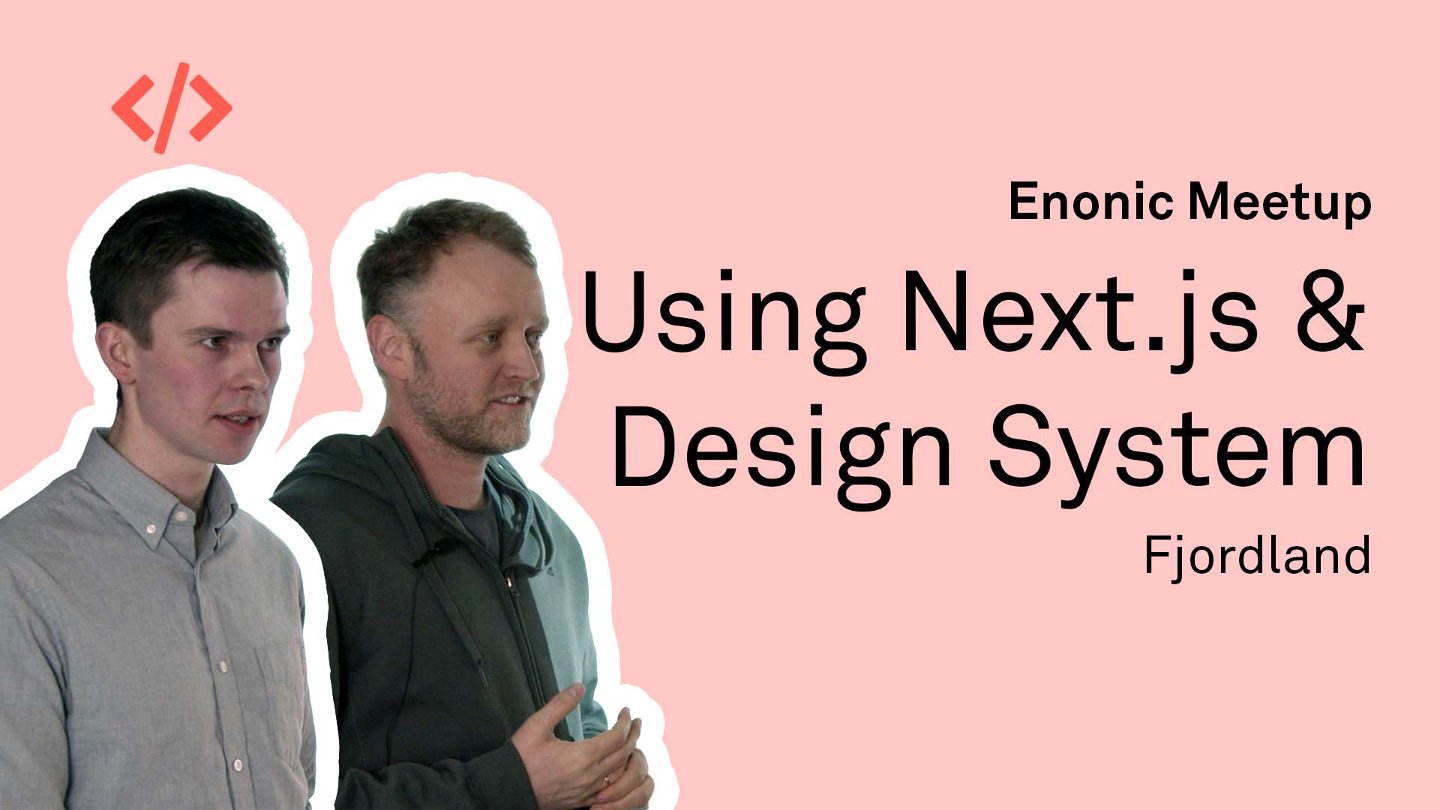
Fjordland, Next.js, and Design System
The team behind Fjordland.no explains how they rebuilt the website with headless Enonic, Next.js, and the KREM design system. Discover how static generation, reusable content blocks, and integrated previews improved performance and simplified the editorial experience.
Juke AI – Behind the Scenes
Thomas Sigdestad introduces the thinking and technology behind Juke's integration with Content Studio. See demonstrations of AI-assisted writing and translation, and learn about the challenges of working with structured content, selecting models, and delivering consistent responses.
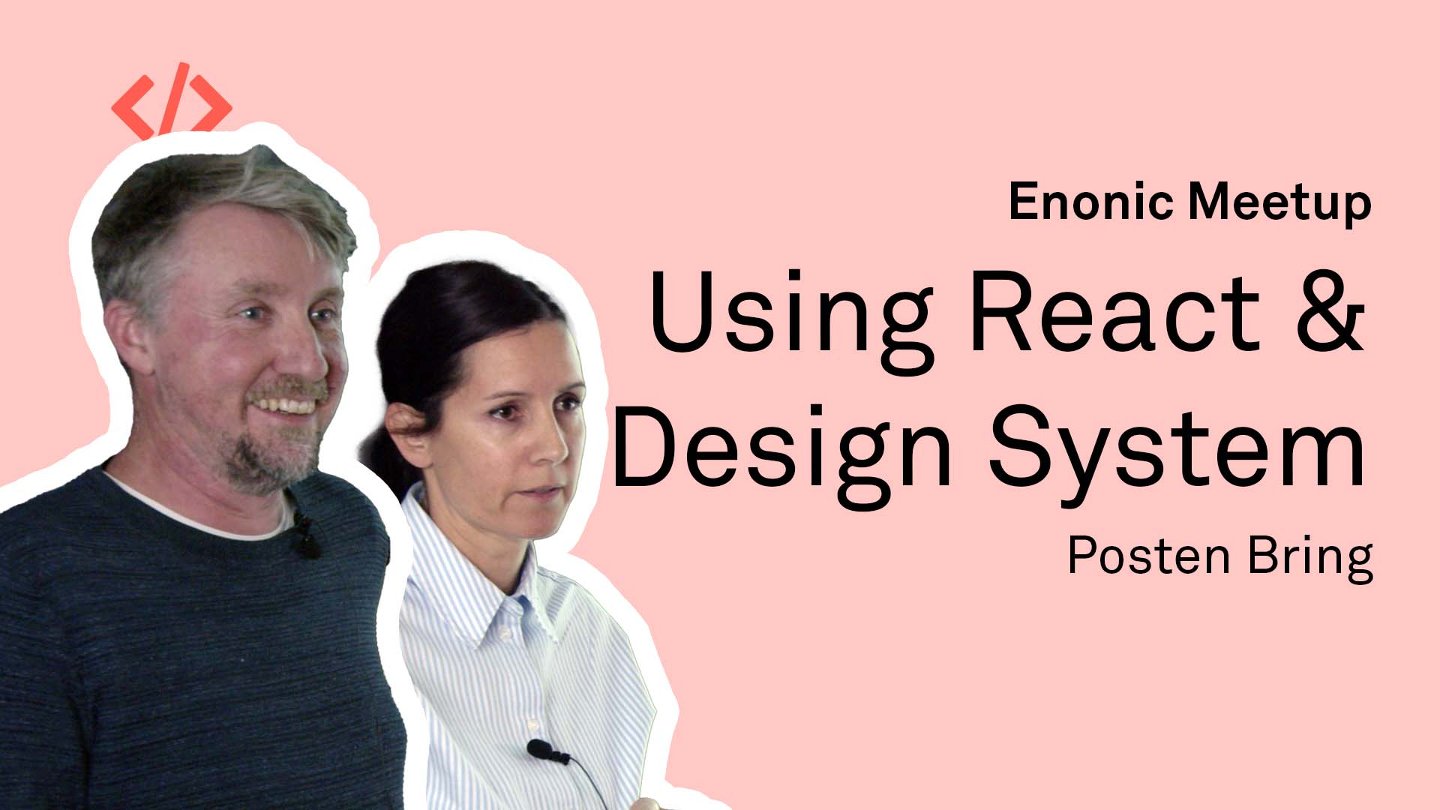
Posten Bring, Design System, and React
Helle and Viggo explain how Posten and Bring combine Enonic with the Hedwig design system and React. Explore how shared components, modular applications, and common navigation support multiple websites while preserving each brand's identity and functionality.
Build, Test, and Release Enonic Apps Using GitHub Actions
Sergey Rymsha, Architect at Enonic, demonstrates how GitHub Actions automates builds, tests, releases, and deployments. Learn how reusable workflows help manage hundreds of repositories, publish documentation, and coordinate integration testing across projects.
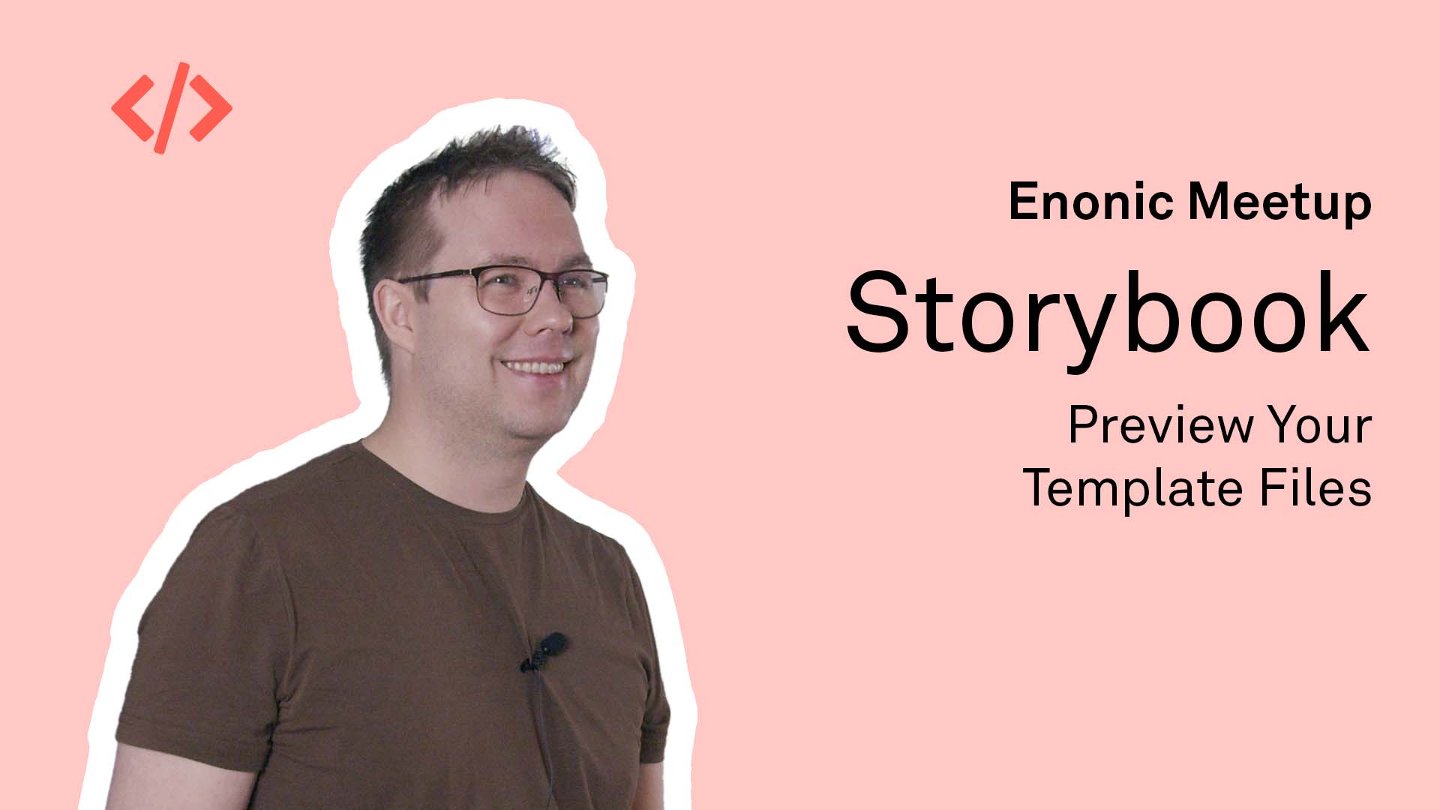
Preview Your Template Files in Storybook
Tom Arild Jakobsen from Item Consulting shows how to preview Thymeleaf and Freemarker templates in Storybook. Follow a live demonstration of component development with instant visual feedback, configurable test data, and reusable stories for documentation and code reviews.
My Page for 6,000 Students Across 5 Campuses at VID
Frontkom presents the development of VID's student portal, bringing essential information and services together in one place. Discover how Enonic supports an integration-heavy self-service solution designed around the needs of thousands of students across multiple campuses.
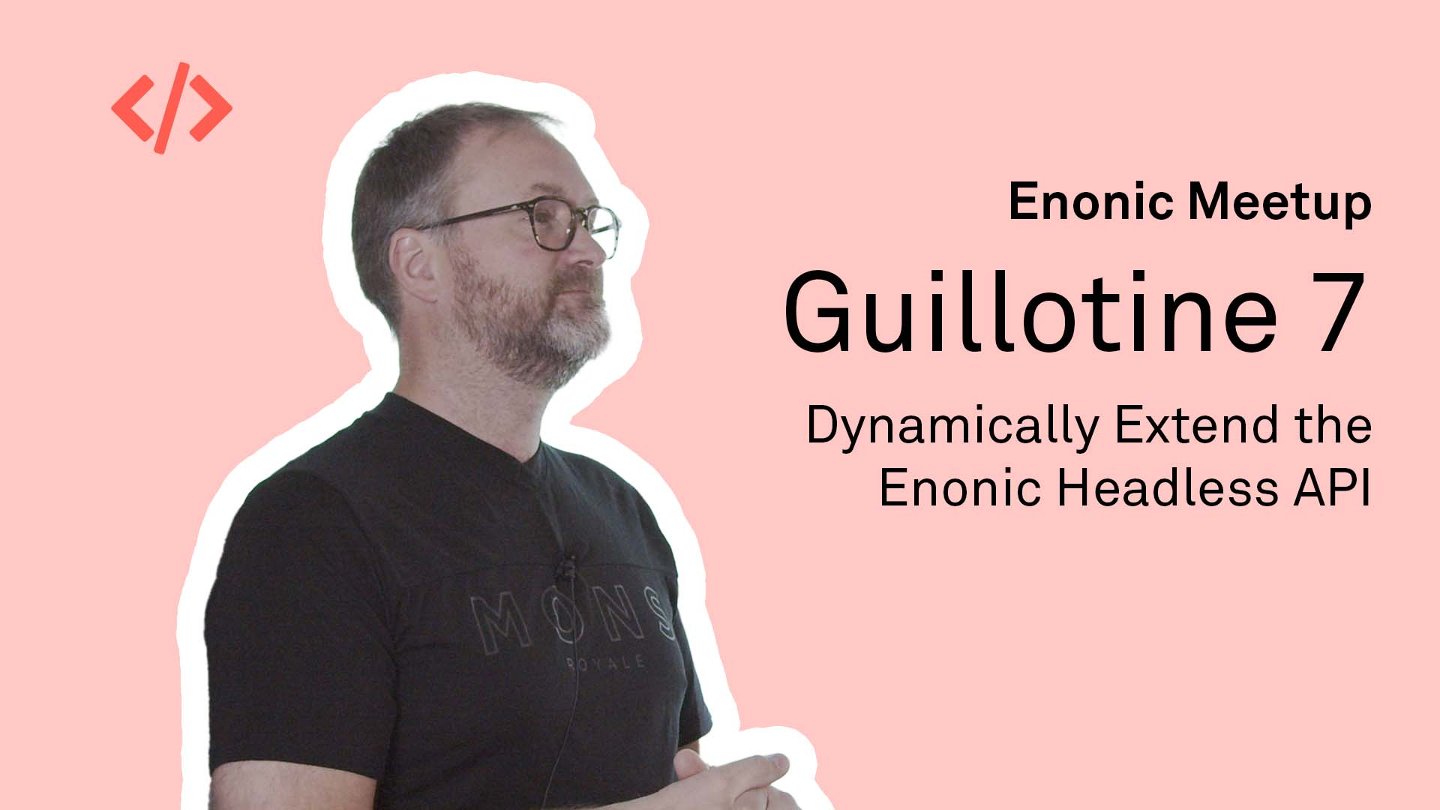
Guillotine 7 – Dynamically Extend the Enonic Headless API
Thomas Sigdestad demonstrates how Guillotine 7 lets developers dynamically extend Enonic's GraphQL API. Learn how to add calculated fields, implement custom resolvers, and expose functionality from applications such as SEO tools through the headless API.
Testing Your Enonic Apps with Jest and Mock XP
Alan Semenov demonstrates how to write and run tests for Enonic applications using Jest and Mock XP. Explore mocking, TypeScript setup, and build integration, and see how to test server-side functionality without starting an XP instance.
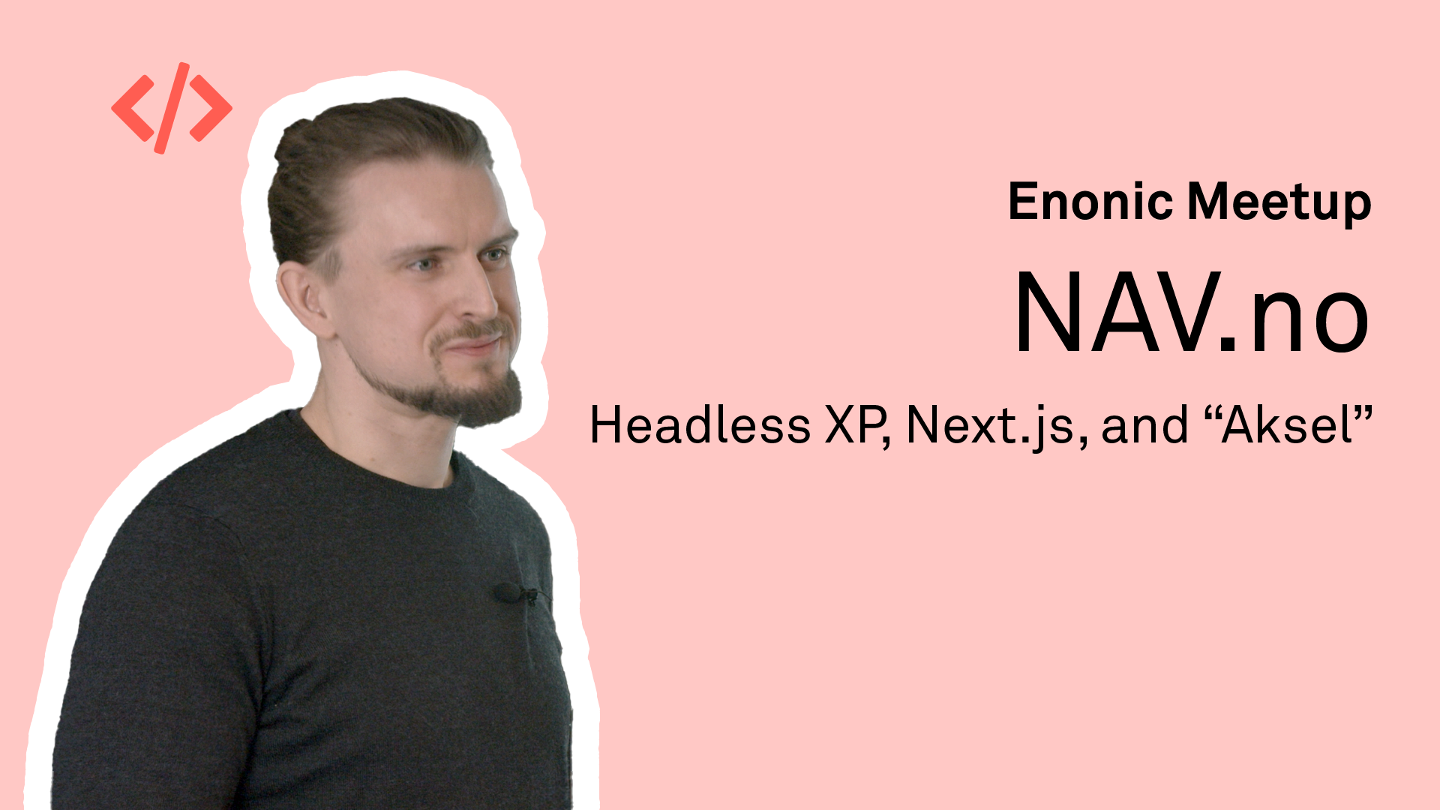
NAV.no – Headless XP, Next.js, and Aksel
Anders Bråthen Nomerstad from NAV shares how NAV.no combines headless Enonic, Next.js, and the Aksel design system. Learn how a component-based React front-end supports greater flexibility for developers and content editors.
Gjensidige – Design System in Enonic XP with SSR
Discover how Gjensidige integrates its React-based design system with Enonic and server-side rendering. The presentation explores a shared technical foundation for managing thousands of pages and delivering consistent digital experiences across countries.
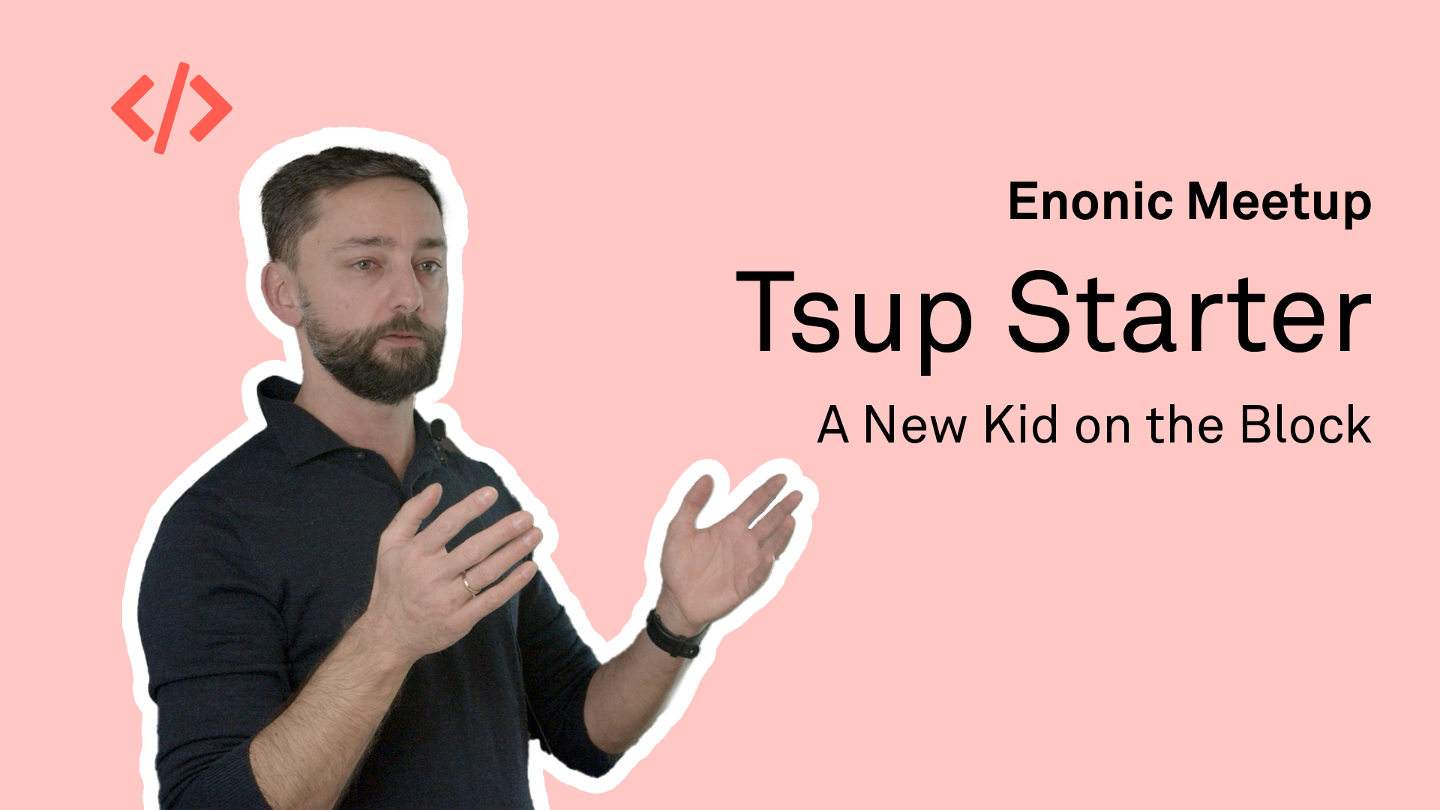
Tsup Starter – A New Kid on the Block
Explore Enonic's Tsup Starter for TypeScript development, with fast builds, hot reload, and integrated linting and testing. See how the starter brings together common XP application features and speeds up everyday development through Enonic CLI integration.
Explorer 4 – How to Build a Search Solution
Christian Westgaard, Senior Software Engineer at Enonic, builds a search solution using Explorer 4 and a dataset of cars. Follow the process from defining document types and importing data through a REST API to creating a React search interface with GraphQL, filters, and aggregations.
Join our Meetup page to receive invitations to future Enonic events!
First published 21 July 2021, updated 8 September 2026.